









There are more than 700 million iPhones currently in use around the world. And last year, 67% of visits to websites were done from a mobile device (worldwide).
If you're looking for a quick way to post mobile conversions on iOS devices, adding Apple Pay to an eCommerce site might make a difference.
According to a recent eCommerce study, implementing ApplePay allowed for a 200% increase in mobile conversion, as well as a 60% decrease in how long it took to get through the checkout process.
Last week, I went through the process of implementing Apple Pay onto one of our technology demonstration sites. I used our Braintree account, which allows for Apple Pay as an option. Signing up did require me to jump through a few technical hoops on Apple's side, including adding in a profile and generating security keys.
On the Magento side, I was able to use default Magento core technology for Braintree, and added in a small extension to allow Apple Pay to show up on the cart and checkout pages.
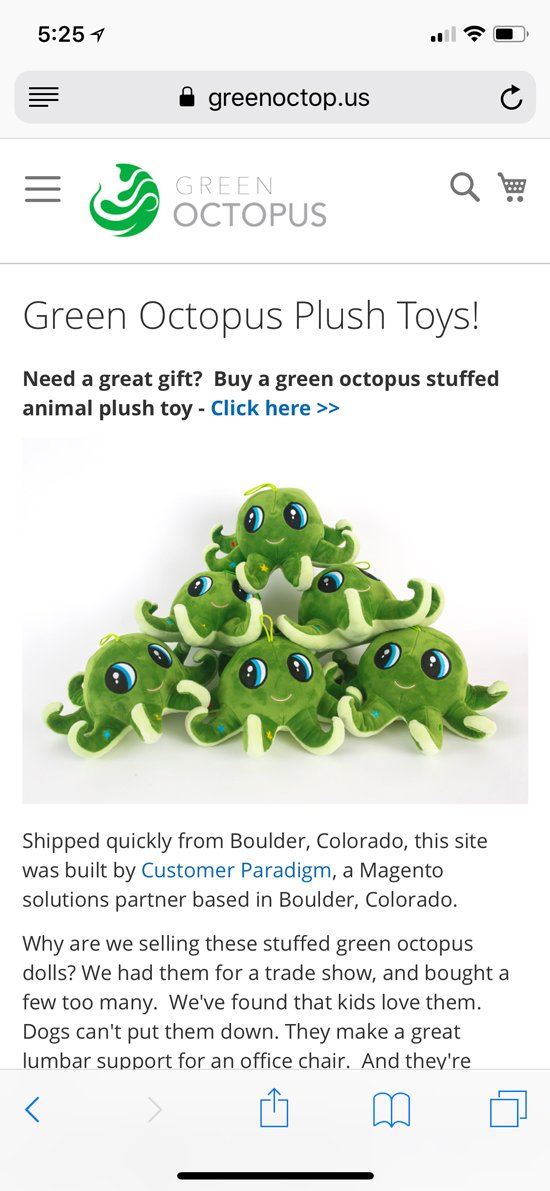
Here's the home page of the Magento 2.2.4 site:
Clicking through to a product page, it's easy to add the item to the cart:
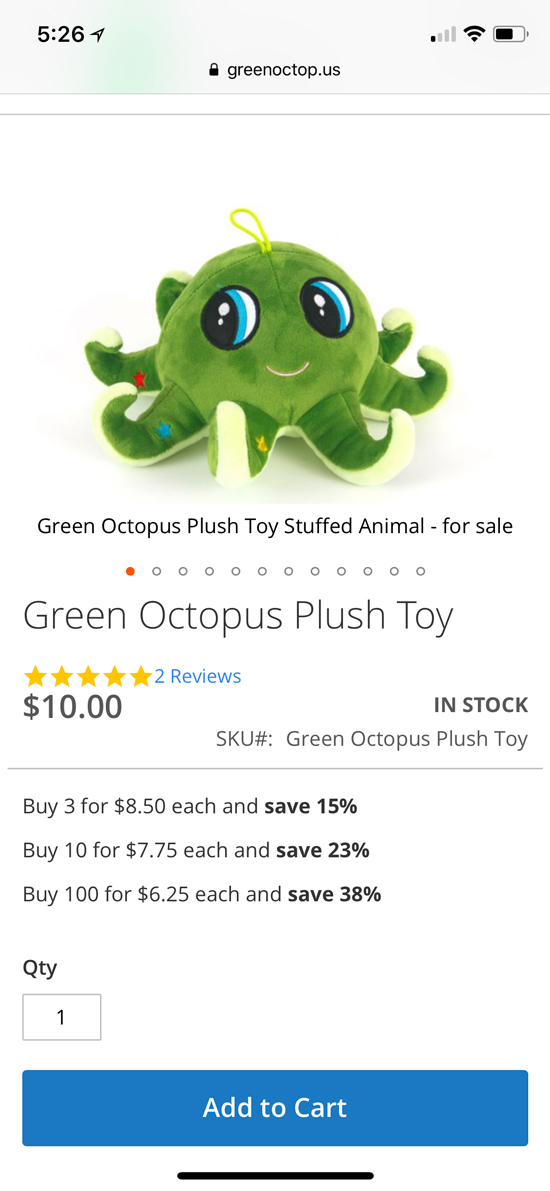
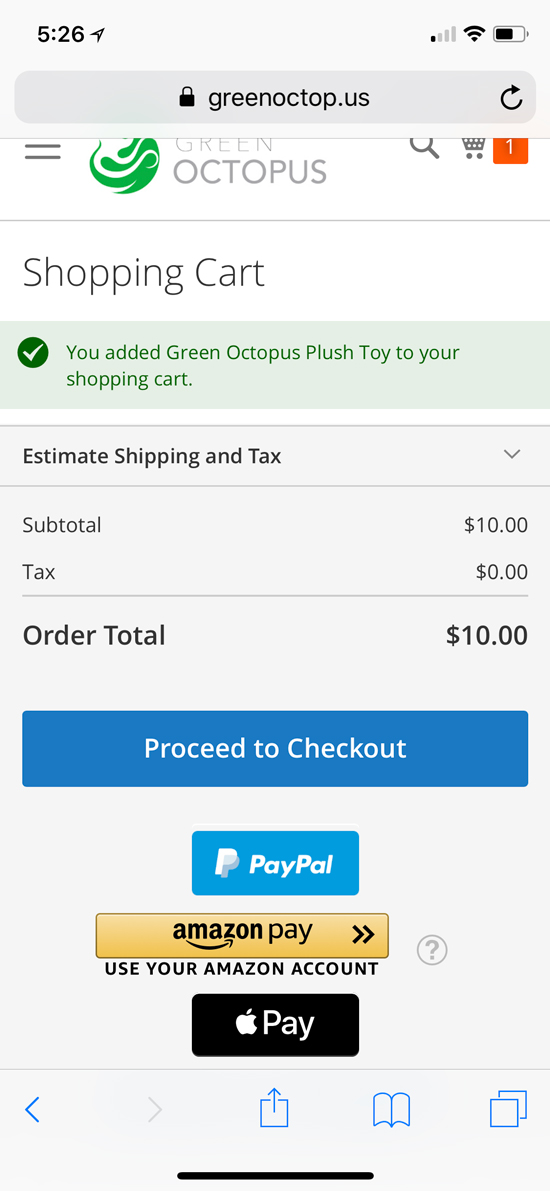
I have the demonstration site set to take the end user directly to the cart page when something is added. I find that for most users, this leads to a higher conversion rate.
Lower on this checkout page, I added in a discount code that took 90% off the price (kind of nice for testing). This took the end price to $1.00.
I could proceed to checkout, use Amazon Pay (that's for a different article), or click on the Apple Pay icon:
After clicking on the Apple Pay icon, this screen appeared:
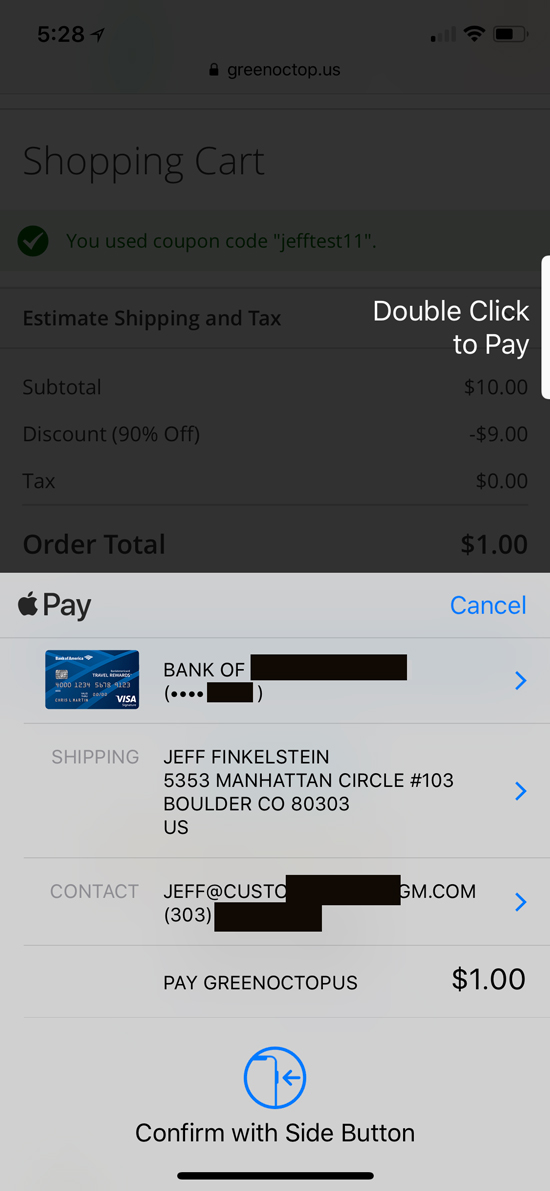
This allowed me to double click on the button on the right side of my phone, and used my default shipping, payment and contact information. Really pretty easy.
After I clicked on the right button, I was next take to an order review page:
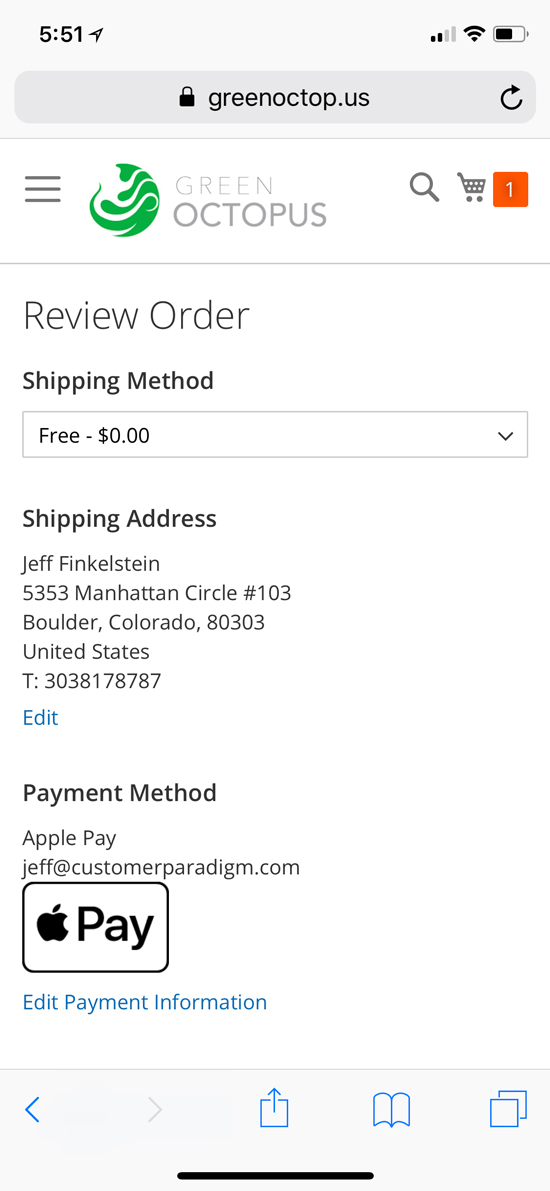
On this page, I could set my shipping method (I choose Free), and I could review my shipping address.
Scrolling down on the page a little bit, I saw the breakdown of everything (including my 90% off coupon):
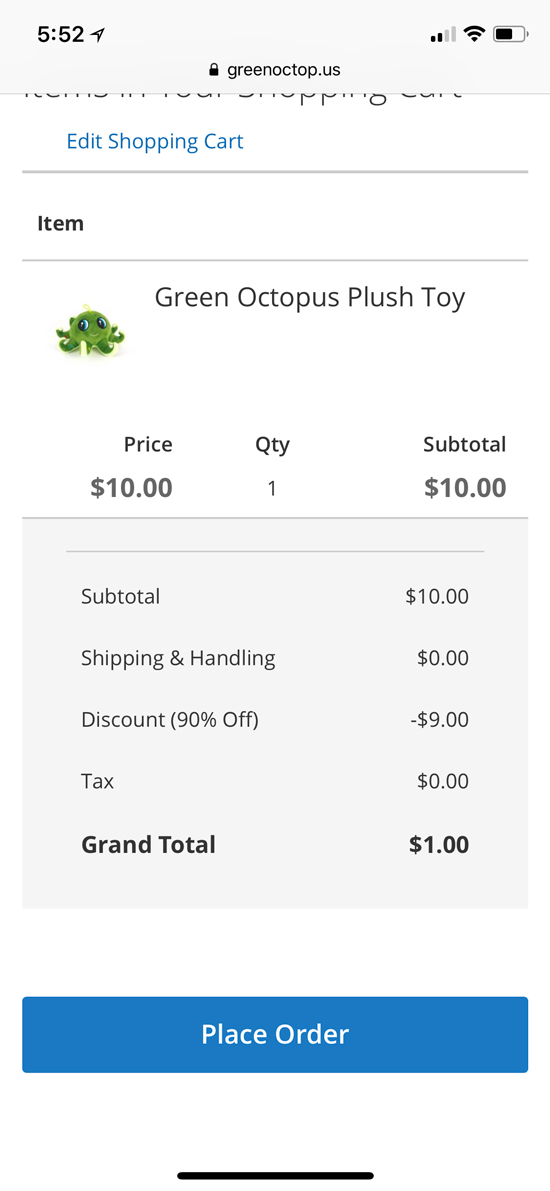
All I needed to do was click, "Place Order" and then I was taken to the order success page:
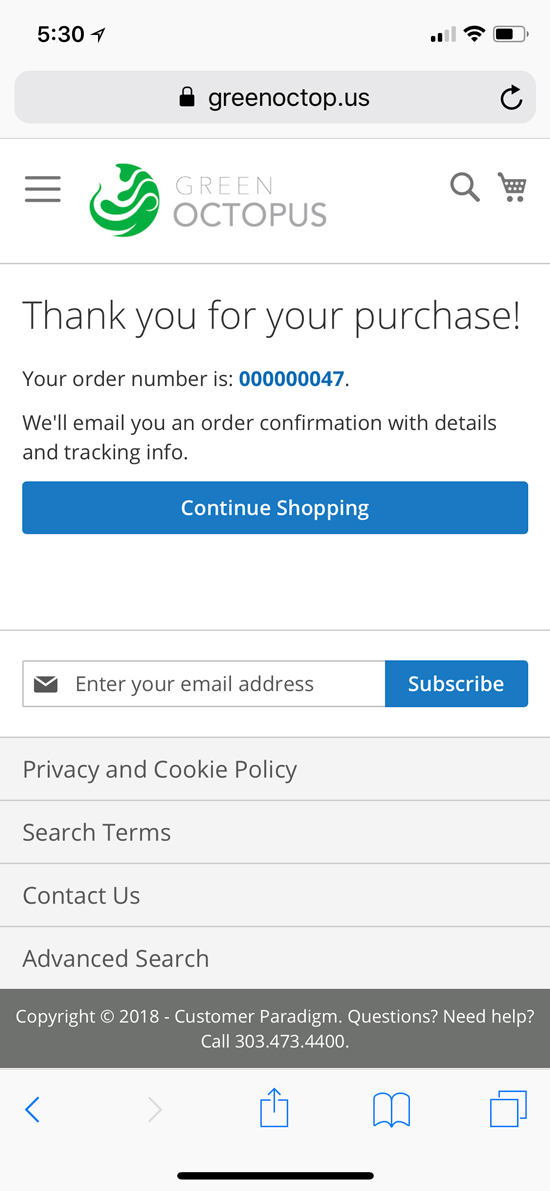
It was pretty quick, fast and easy. One tap, and I was done.